
Technology Requirements
What You Need to Participate
I AM University's programs are delivered entirely online. Before enrolling, review the hardware, software, and connectivity requirements to ensure a smooth learning experience.
Computer Required
Windows 10+ or macOS 10.15+
Internet Required
Minimum 5 Mbps download speed
Modern Browser
Chrome, Firefox, Safari, or Edge
Hardware
Computer & Device Requirements
The specifications below reflect minimum and recommended configurations for a complete learning experience.
| Component | Minimum | Recommended |
|---|---|---|
| Computer Type | Windows 10 PC or macOS 10.15 (Catalina) or later | Windows 11 PC or macOS 12 (Monterey) or later |
| Processor | Intel Core i3 / AMD Ryzen 3 or equivalent (2.0 GHz+) | Intel Core i5 / AMD Ryzen 5 or equivalent (2.5 GHz+) |
| RAM | 4 GB | 8 GB or more |
| Storage | 5 GB available disk space | 20 GB+ available (for downloaded materials) |
| Display | 1280 × 720 (HD) resolution | 1920 × 1080 (Full HD) or higher |
| Audio | Built-in speakers or headphone jack | Headphones or headset with microphone for community sessions |
| Camera | Not required for self-paced courses | Webcam for optional live community sessions |
Note on Mobile Devices: Smartphones and tablets can be used to supplement your learning and review content on the go, but are not recommended as a primary device. The full student portal experience, including interactive exercises and downloadable materials, is optimized for desktop or laptop computers.
Connectivity
Internet & Network Requirements
A reliable internet connection is essential for accessing video lessons and participating in community sessions.
| Requirement | Minimum | Recommended |
|---|---|---|
| Download Speed | 5 Mbps (standard definition video) | 25 Mbps+ (high-definition video, simultaneous devices) |
| Upload Speed | 2 Mbps | 5 Mbps+ for live community sessions |
| Latency | Under 150 ms for smooth streaming | Under 50 ms for interactive sessions |
| Connection Type | Broadband (wired or WiFi) | Wired Ethernet or 5 GHz WiFi for video lessons |
| Data Cap | Minimum 10 GB/month for average usage | Unlimited or 50 GB+ for full access without interruption |
Software
Required & Recommended Applications
No proprietary software purchases are required. All learning happens in your browser.
Web Browser
RequiredA current version of Chrome, Firefox, Safari, or Edge is required. Keep your browser updated for the best experience and security.
PDF Viewer
RequiredCourse workbooks, reading materials, and certificates are distributed as PDF files. Adobe Acrobat Reader (free) or any PDF viewer is sufficient.
Media Player
OptionalAll video lessons stream directly in your browser. No additional media player software is required; however, updated browser plugins are recommended.
Browser Compatibility
Supported Web Browsers
Always keep your browser updated to the latest version for the best performance, security, and compatibility with course features.
- Supported
Google Chrome
Version 100 or later
- Supported
Mozilla Firefox
Version 100 or later
- Supported
Apple Safari
Version 15 or later (macOS/iOS)
- Supported
Microsoft Edge
Version 100 or later
- Supported
Opera
Version 85 or later
- Not Supported
Internet Explorer
All versions
The Learning Platform
What to Expect from the Student Portal
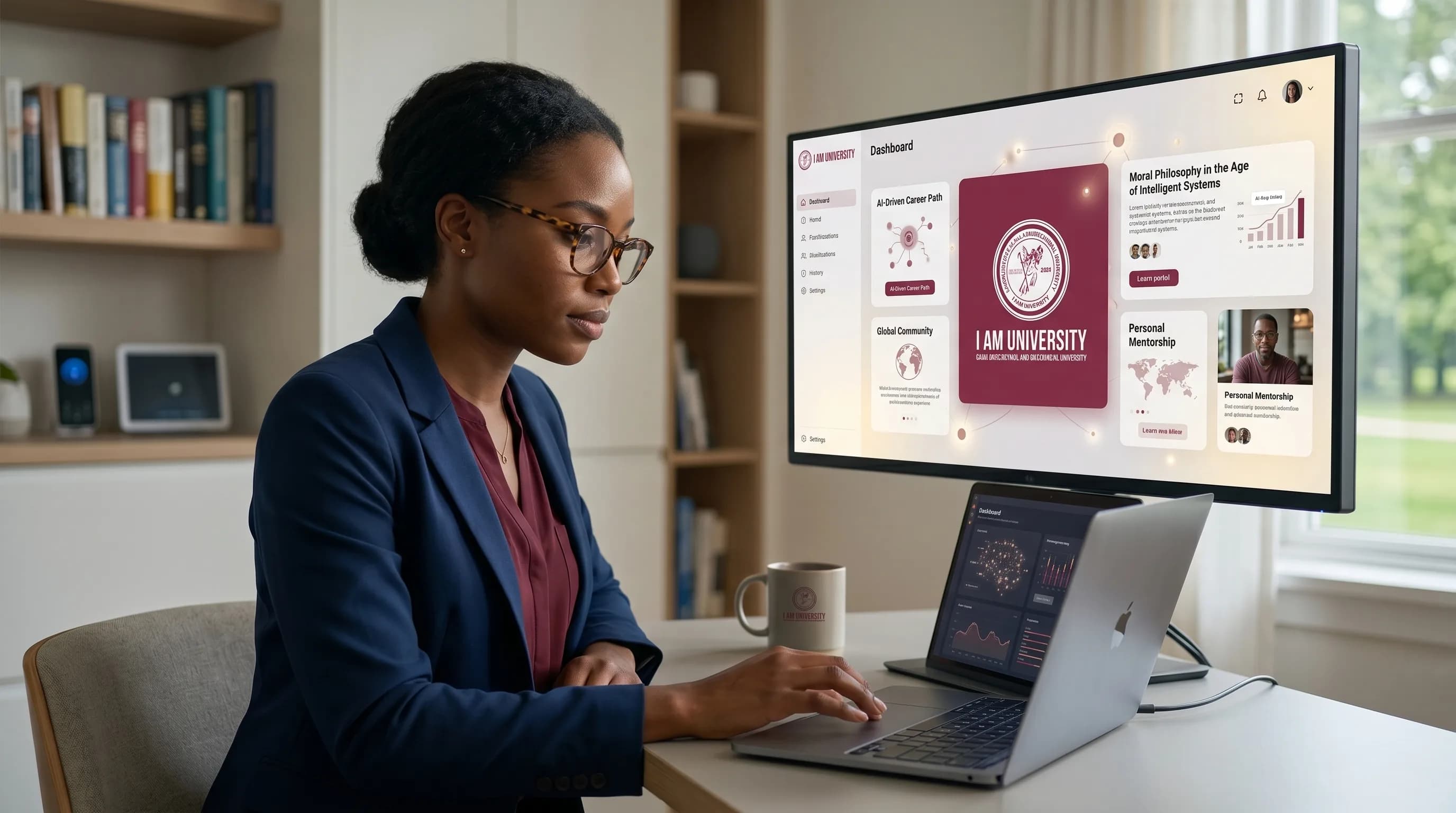
Your I AM University student portal is your central hub for all learning, community, and progress tracking — accessible from any modern browser.
Browser-Based Access
The I AM University student portal is entirely browser-based. No software installation is required. Log in from any computer with an internet connection.
Self-Paced Modules
All courses are organized into structured modules. Progress through at your own pace, pause and resume at any time, and revisit completed content throughout your enrollment.
Offline Downloads
Course workbooks, supplemental readings, and select materials are available as downloadable PDFs for offline reference.
Mobile Companion
While the full platform experience is optimized for desktop computers, key course content is accessible on mobile browsers for on-the-go review. Some interactive elements require a desktop browser.
Community Forums
Integrated community discussion boards allow students to engage with peers and instructors directly within the portal, with no third-party application required.
Progress Tracking
The student dashboard provides a real-time view of your course progress, completed modules, and upcoming content across all enrolled programs.
Accessibility
Designed for Every Learner
I AM University is committed to making our learning platform accessible to students with disabilities and diverse learning needs.
We are actively working to ensure our platform meets WCAG 2.1 Level AA accessibility standards. If you require specific accommodations or encounter accessibility barriers, please contact our support team and we will work with you to ensure a fully accessible experience.
Request Accessibility SupportAccessibility Features
Available Accessibility Features
- Closed captions and transcripts available for all video lessons
- High-contrast display mode available in student portal settings
- Keyboard navigation supported throughout the student portal
- Screen reader compatibility with major assistive technology tools
- Text resizing supported without loss of functionality
- ARIA labels and semantic HTML throughout the learning platform
- Audio descriptions available for visual content in courses
Technical Support
Need Help with Technology?
Our technical support team is available to help enrolled students with platform issues, browser compatibility questions, and account access problems. Reach out and we will respond within 1–2 business days.
Common issues and step-by-step troubleshooting guides are also available in the student knowledge base within your portal.
Phone
+1 (800) 426-8648
Technical Support Email
support@iamuniversity.us
Pre-Enrollment Questions
If you have technology questions before enrolling, contact our admissions team at admissions@iamuniversity.us.
Ready to Get Started?
If your device meets the requirements above, you are ready to enroll. Begin your application today and take the first step in your learning journey.